How to Switch Coaching Software Without Losing Clients: A Migration Checklist
How to switch coaching software without losing clients: a step-by-step migration checklist covering exports, templates, bulk client invites and a safe overlap week.
To switch coaching software without losing clients, export everything first, rebuild your top three templates rather than all of them, invite clients in bulk from a list, and run the old and new systems side by side for a week or two before cancelling the old one. Announce the move as a service upgrade, not a cost saving. For most coaches the whole switch takes a week or two.
What should you export before you switch?
Pull the following into files you own before you cancel or change anything:
- Client list with names, emails and phone numbers.
- Current programmes, meal plans and any plan documents.
- Check-in history and progress photos you want to keep.
- Payment and renewal dates for every active client.
Step 1: Decide what to migrate and what to leave behind
Move active clients and their current programmes. Archive lapsed clients. Leave old history in a folder rather than rebuilding it. You do not need everything on day one.
Step 2: Rebuild your top three templates first
Your three most-used plans cover most of your clients. Rebuild them as templates in the workout plan builder, starting from a training split rather than a blank page. Set up your recurring habits once as master habits and assign them across your roster instead of re-creating them per client.
Step 3: Bulk-invite clients from a list
Typing clients in one by one is where migrations stall. Trainzilla's bulk invite lets you paste a list or upload a CSV or spreadsheet and invite everyone at once. Bulk invite is part of Coach Pro (₹499/month for a single coach). Clients then install the free client app on Android or iOS, and a guided checklist walks a new coach through the setup.
Step 4: Run both systems in parallel
Keep the old platform running for a week or two while clients settle in. Nobody is ever locked out, and you can compare notes without pressure. Cancel only once every active client has logged in and used the new app.
Step 5: Announce it as a service upgrade
Clients care about what improves for them, not what you save. Lead with the things they will notice: plans that update the same day as a check-in and a plain-language reason on every change. That is the retention story in what AI coaching feels like for the client.
| Task | When | Why it matters |
|---|---|---|
| Export data and renewal dates | Before day one | You keep a copy whatever happens |
| Rebuild top three templates | First few days | Covers most of your clients |
| Bulk-invite active clients | Once templates are ready | Avoids one-by-one entry |
| Run both systems side by side | One to two weeks | No client is ever locked out |
| Cancel the old platform | After every client is active | Safe exit |
A simple migration timeline
What should you check in a new platform before committing?
- Bulk import, so onboarding does not become a second job.
- Payment methods your clients already use, such as UPI and cards.
- AI that keeps the coach in control of every change.
- Transparent pricing. Compare tiers on the pricing page and see what coaching software actually costs.
Frequently asked questions
How long does it take to switch coaching software?
Most coaches finish in one to two weeks, including the overlap period, because you only rebuild your core templates and invite active clients.
Will clients lose their history?
Not if you export first and run both systems in parallel. Decide up front which history is worth carrying over and archive the rest.
Can I try a new platform without committing?
Yes. Coach and client apps are free to start, so you can move one client across and keep everyone else where they are until you are sure.
Is switching from spreadsheets different?
It is simpler. Your client list is already a spreadsheet, so it can go straight into a bulk invite.
Move your first client this week
Start free, invite one client, and keep your current setup running until you are sure.
Start freeGet the weekly coaching playbook
Keyword research, product tips and growth tactics for coaches — one email a week. No spam.
Rajesh Kumar
Fitness Entrepreneur & Business Coach with 15+ successful fitness ventures in smaller cities.
Start free — no card required
Set up your coaching business on TrainZilla in minutes. Free for 30 days, then upgrade to Coach Pro when you grow.
Related Articles

What coaching software actually costs — and when it starts paying for itself
Every new coach gets 30 days free and Coach Pro is ₹499/month — but the number that matters is what you're already paying in Sunday evenings. The honest arithmetic, including when not to upgrade.
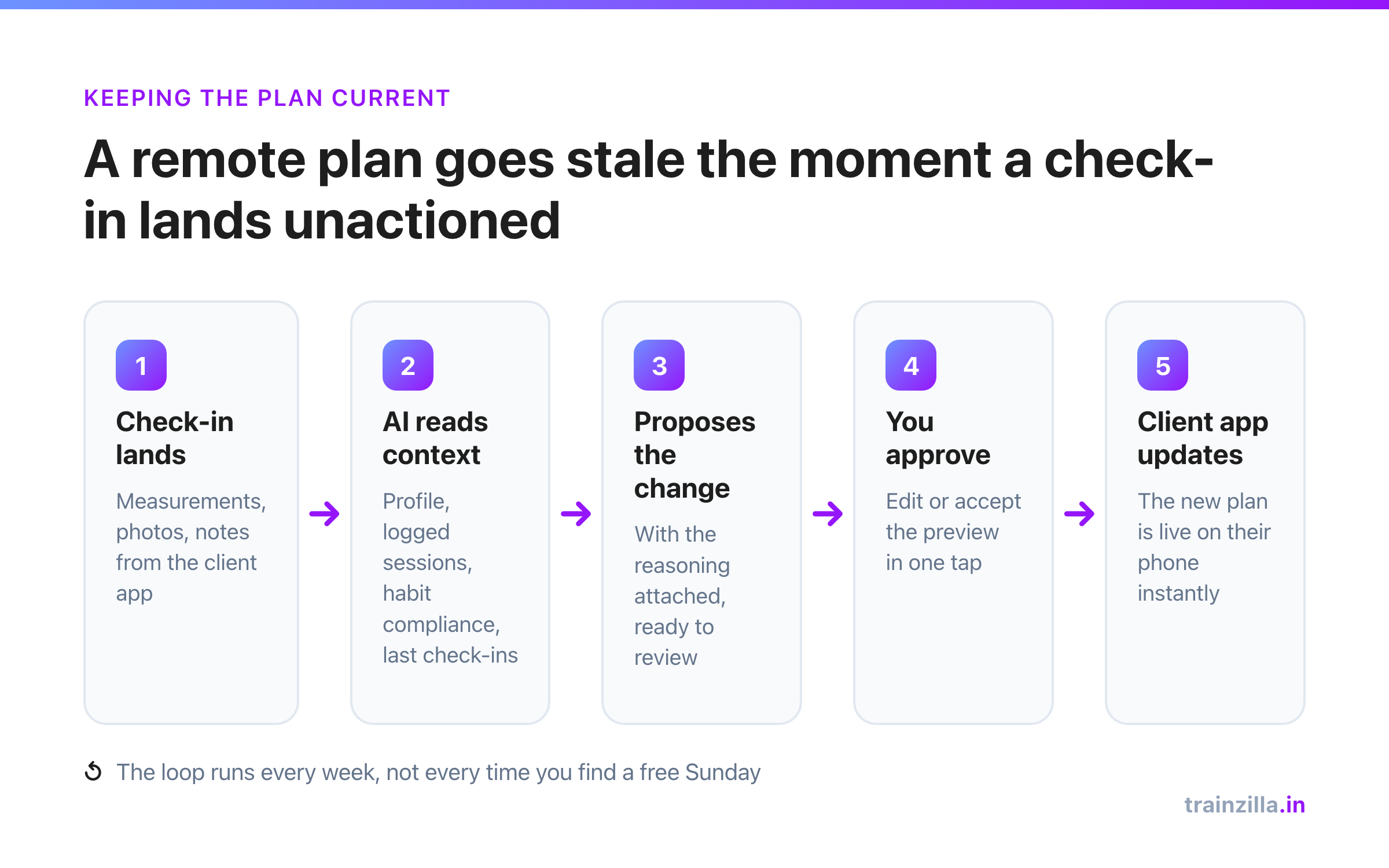
Software for online fitness coaches: what changes when your business runs remote
No gym floor, no face-to-face read on a client's week. Everything you know about them comes through a screen — so the software you run it on isn't a nice-to-have, it's the practice. Here's how Trainzilla is built for that.
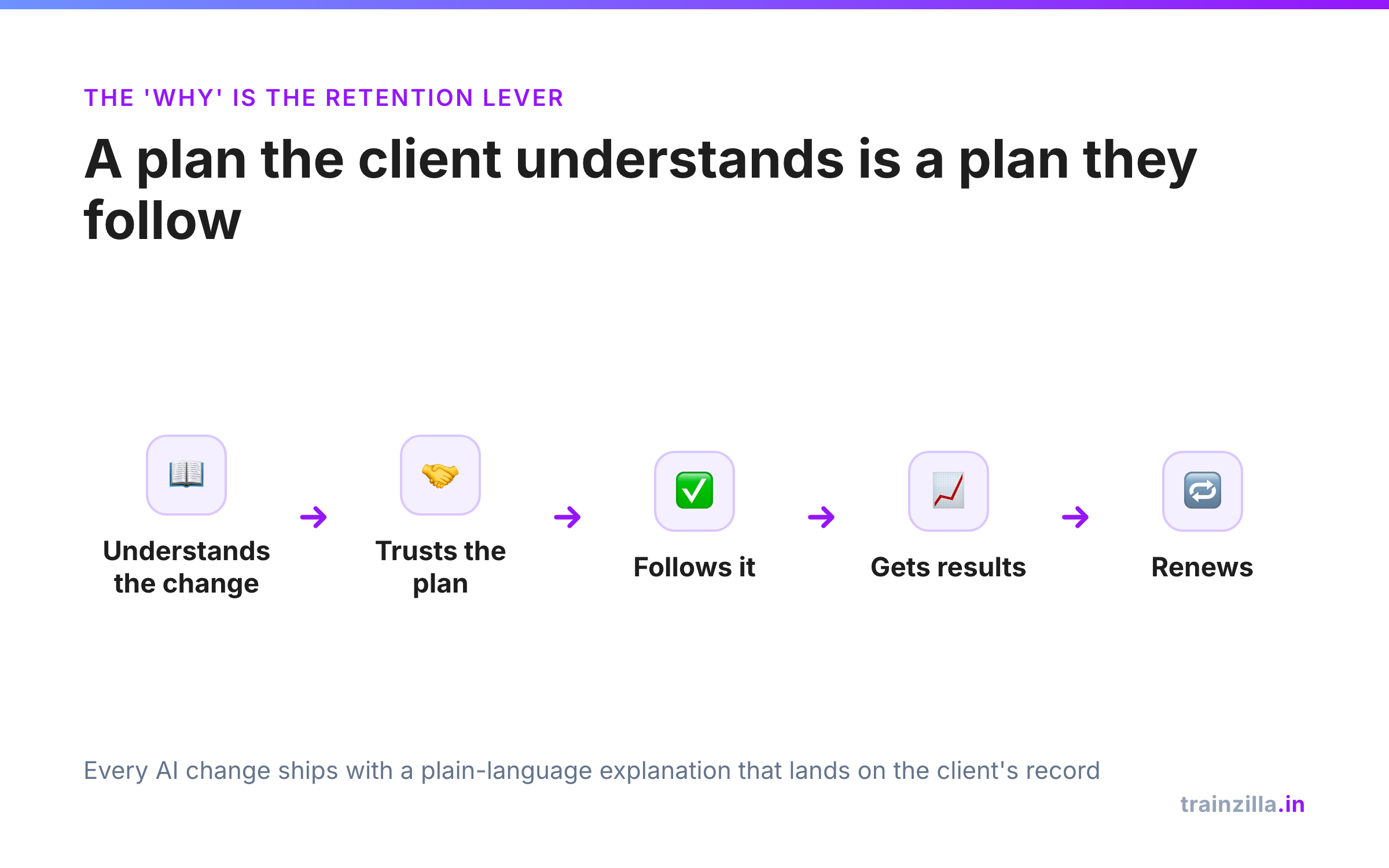
What AI coaching actually feels like for the client — and why that changes retention
"AI coaching" usually means the coach's workflow. But the client feels it too — in how fast their plan responds, and whether they understand why it changed. That second part is most of retention.