Moving Your Gym Off Excel: How to Import Members, Leads and Sales Without Retyping
Switching gym software usually stalls on one thing: years of members, leads and sales in Excel. How to clean the sheet, import it in one go, check it before anything is saved, and invite members to the app.
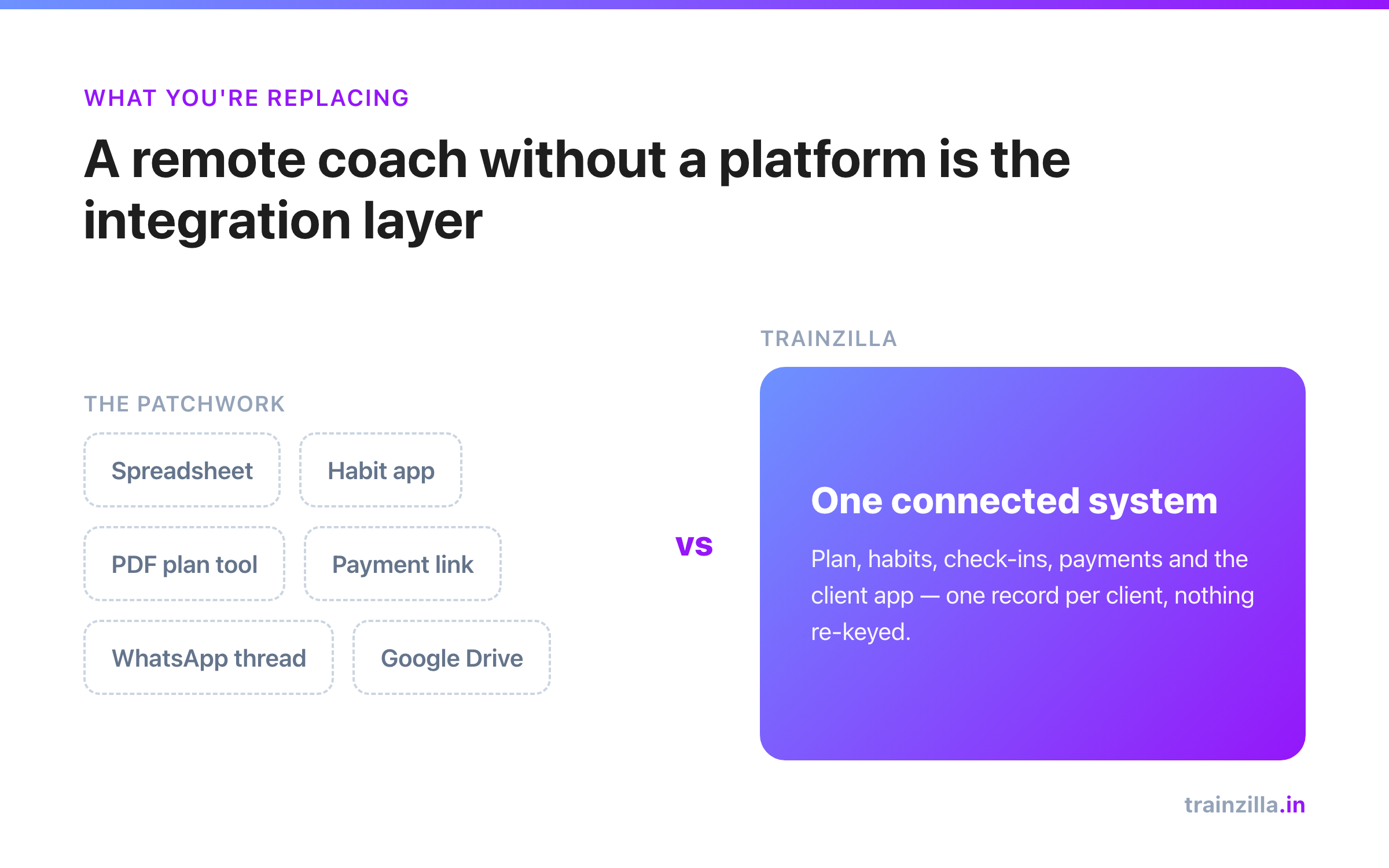
Most gyms that want better software never switch, and it's rarely about price. It's the spreadsheet: three years of members, a tab of enquiries, a sheet of payments, all typed by different people in different formats. Retyping it is a month of someone's evenings, so it never happens.
It doesn't need to be retyped. Here's how to move it in an afternoon.
Step 1: Split your data into three lists
Gym data is really three different things, and they import best separately:
- Members — name, phone, email, plan, start and end dates. Current and past.
- Leads — people who enquired but didn't join, with whatever note you kept ("hot", "no answer", "too far").
- Sales — past payments: who, how much, when. This is your revenue history.
Step 2: Clean the sheet (30 minutes, not a week)
- One row per person, one header row at the top. Delete merged cells and the totals row at the bottom.
- Phone numbers in one format. Phone and email are how duplicates are spotted, so the same person shouldn't appear as 98xxxxxxxx and +91 98xxx xxxxx.
- Dates in one format. Pick DD/MM/YYYY or YYYY-MM-DD and stick to it in a column.
- Don't chase perfection. A good import shows you which rows have problems. Fix those, not every row.
Step 3: Import, and look before you commit
In Trainzilla, owners and admins open Gym → Import Data and upload a CSV or Excel file, or paste a Google Sheets link. Then:
- Columns are matched automatically — "Mobile", "Phone No." and "Contact" all land in phone. You can correct any match.
- You see a preview with row-level errors before anything is saved.
- Duplicates are skipped, so importing the same sheet twice doesn't double your member count.
- Every import is kept in a history and can be undone if something looks wrong.
A single file can hold up to 5,000 rows (5 MB), which covers most single-location gyms in one go. Larger histories can be split by year.
Import is included in every Trainzilla gym plan
Members, leads and past sales from CSV, Excel or Google Sheets — with a preview, duplicate skipping and undo.
See Trainzilla for gymsWhat happens to each list after import
- Leads go straight into your lead pipeline. Common notes like hot, warm, no answer, not interested, low budget and out of radius become the matching status, so your desk can carry on where the sheet left off.
- Members are listed as active or past. No accounts are created and nobody is messaged until you choose to invite them to the app — so you can import first and announce later.
- Sales become your revenue history with a month-by-month summary, kept separate from live online payments so your history doesn't get mixed up with today's transactions.
Step 4: Invite members in waves
Don't invite 600 members on day one. Start with your current active members, then a week later the recently lapsed ones (that invite doubles as a win-back message). Past members from two years ago can wait — or stay as history.
Step 5: Run both for two weeks, then stop the sheet
For two weeks, record new joins and payments in the new system and glance at the old sheet for anything missed. Then lock the sheet as read-only. Two systems for longer than that means two versions of the truth, and the sheet always wins by habit.
If you're a solo coach rather than a gym, the same idea applies with a lighter tool — see how to switch coaching software without losing clients.
The short version
Split your data into members, leads and sales, spend half an hour making phones and dates consistent, import with a preview, invite members in waves, and retire the spreadsheet after two weeks. The data you already have is the reason to switch — not the reason you can't.
Trainzilla Team
Written by the team that builds Trainzilla. We write about the problems coaches and gym owners bring to us, and how we solved them in the product — including what it doesn't do yet.
Start coaching on TrainZilla today
Free for 30 days with your first client. Bring your whole roster with a bulk invite on Coach Pro.
Related Articles
How to Switch Coaching Software Without Losing Clients: A Migration Checklist
How to switch coaching software without losing clients: a step-by-step migration checklist covering exports, templates, bulk client invites and a safe overlap week.
How to Follow Up on Gym Enquiries: A Lead Status System for the Front Desk
Gym enquiries go cold because nobody knows who called whom. A simple lead status system — Hot, Warm, Did not pick up, Not interested, Low budget, Out of radius — and the follow-up rule for each.